Default view
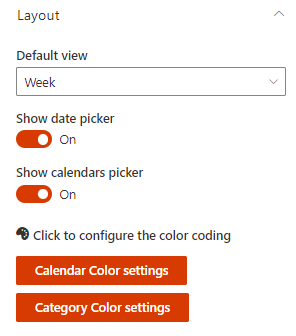
Choose the default calendar view when the page loads
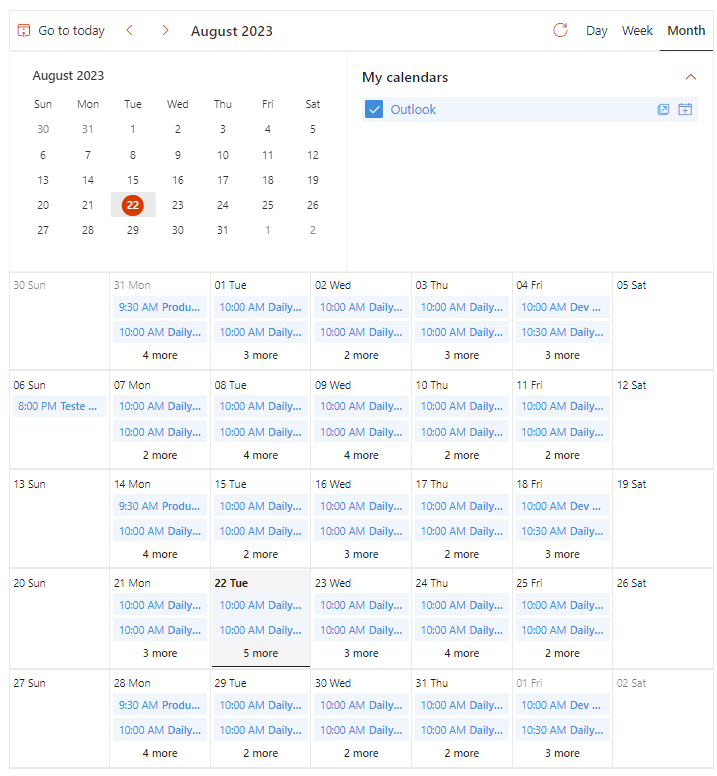
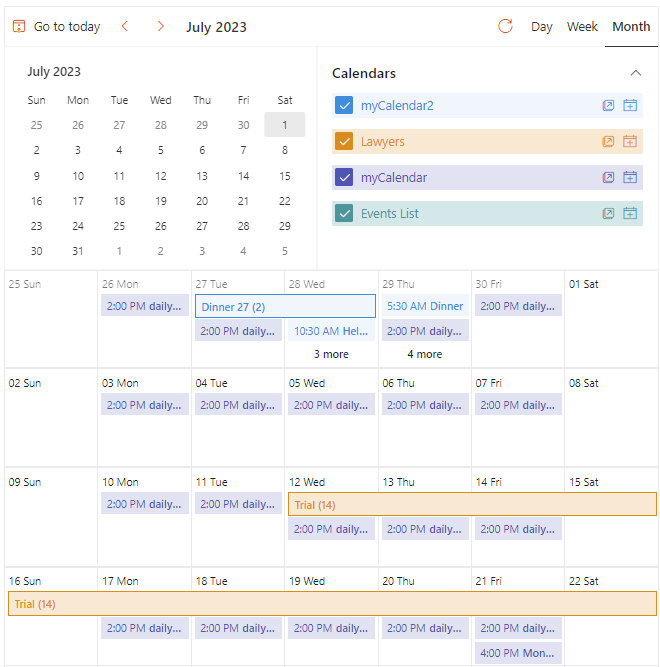
- Month - shows a monthly view
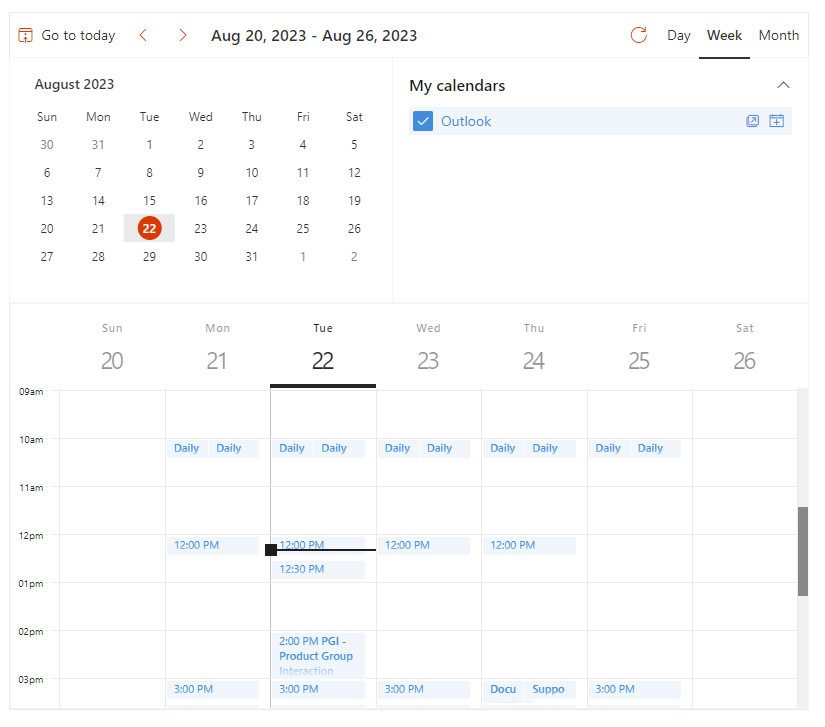
- Week (chosen by default) - shows a weekly view
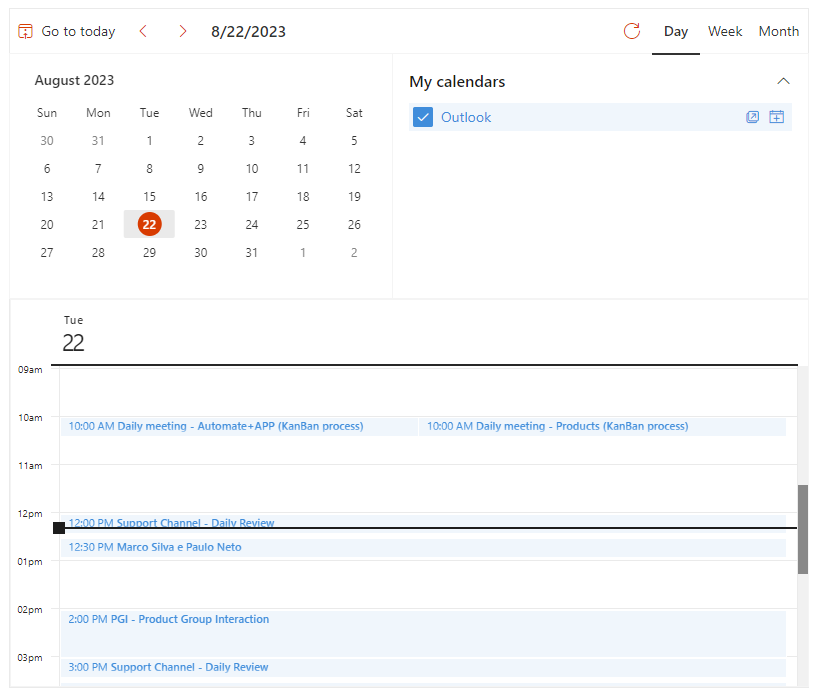
- Day - shows a daily view
Monthly
Weekly
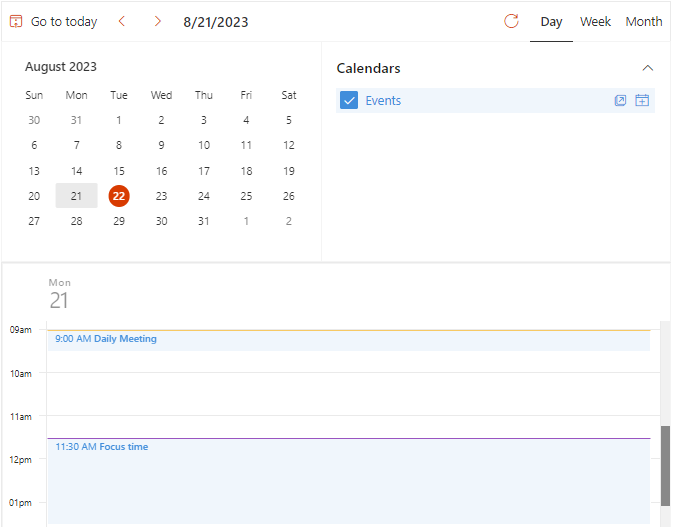
Daily
Picker options
- Show date picker - toggles on/off the visibility of the date picker section on the layout
- Show calendars picker - toggles on/off the calendar picker/filters on the layout
Color coding options
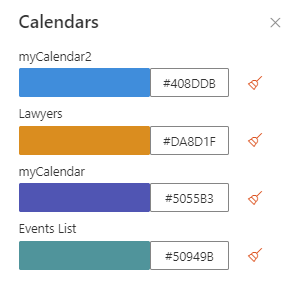
Calendar Color settings
Useful when multiple calendars/overlays are shown. For each calendar, you can choose a color
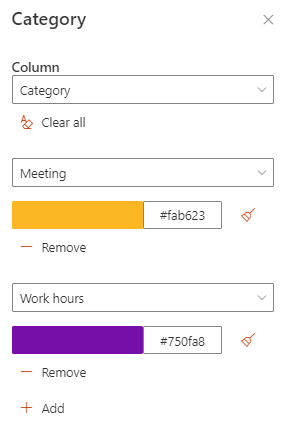
Category Color settings
This option is only available using Events or SharePoint lists. Useful to select colors by category or any other custom column values